


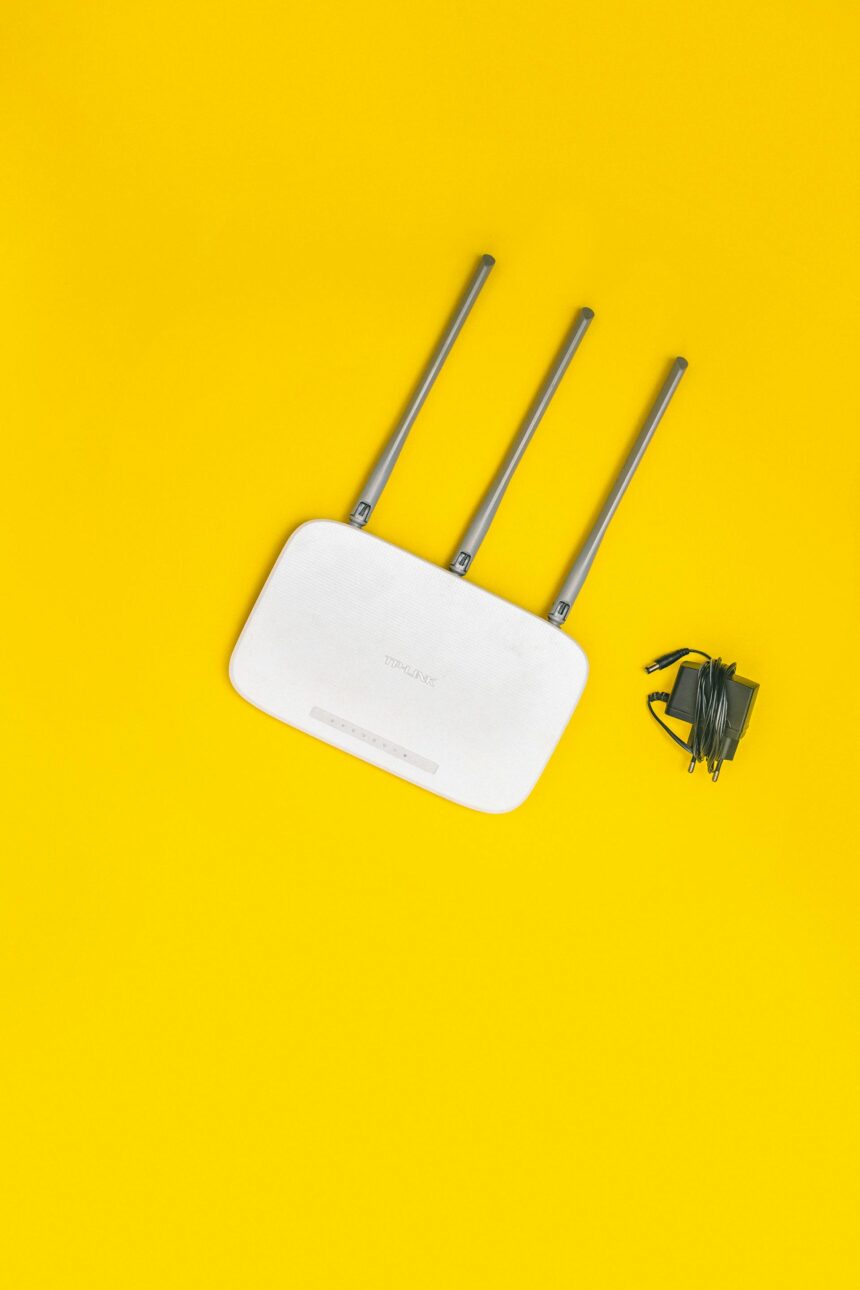
The router sitting on your shelf right now is doing at least ten things you never asked it to do. Most people think of it as a dumb pipe; the internet goes in, the internet comes out. That mental model is wrong, and the gap between what routers actually do and what providers tell customers is wider than most people realize.
Here are those quiet background operations, explained without the jargon.
1. It’s Logging Every Device That Touches Your Network

Your router keeps a running list of every device that has ever connected — phones, laptops, smart TVs, your neighbor’s tablet that got on your network once three years ago. Most consumer routers store this data locally, but some ISP-supplied routers send portions of that log upstream. You can usually view it yourself by typing your router’s IP address into a browser. Most people never do.
2. It’s Assigning and Reassigning Addresses Constantly
Dynamic Host Configuration Protocol. DHCP is the router’s traffic cop. Every device on your network gets a temporary numerical address, and the router manages when those addresses expire and get reassigned. When your phone drops off the network and reconnects, it may come back as a different address than it left. Some devices handle this smoothly. Others get briefly confused, which is why your smart TV occasionally needs a restart for no obvious reason.
3. It’s Throttling Certain Traffic Without Asking You

Here’s the strange part. Many routers, especially ones supplied by ISPs, come with Quality of Service rules already baked in. QoS is the system that decides which data packets get priority. Video calls might get bumped ahead of background downloads. Gaming traffic might be deprioritized during peak hours. These rules are set by default, often invisibly, and they can explain why your connection behaves differently at different times of day, even when your plan speed hasn’t changed.
4. It’s Running a Small Operating System That Almost Never Gets Updated

Your router has firmware, essentially a stripped-down operating system. Security researchers have found that the average home router runs firmware that is years out of date, because most people never apply updates and many ISP-provided routers don’t update automatically. Old firmware means old vulnerabilities. A router running outdated software is one of the most common entry points for network intrusions, yet it sits in plain sight, blinking green, looking fine.
5. It’s Broadcasting Multiple Networks Simultaneously

Most modern routers broadcast at least two frequency bands, 2.4 GHz and 5 GHz. Some broadcast a third. On top of that, ISP-provided routers in many markets broadcast a secondary public hotspot network, separate from your private one, that allows other customers of the same ISP to connect when they’re nearby. Your router is, in those cases, literally sharing your hardware with strangers. The ISP argues this is firewalled off and uses separate bandwidth allocation. Whether you believe that is your call.
6. It’s Tracking Which Devices Are Active and When

Connection timestamps. Your router logs when each device connects, when it disconnects, and how long it stays active. This is the same data that could tell someone when you woke up, when you left the house, and when you went to sleep, because your phone connects the moment you pick it up and drops when you walk out of range. Useful for network troubleshooting. Also, a detailed behavioral record. Worth knowing it exists.
7. It’s Making DNS Requests on Your Behalf, and Someone Is Watching Those

Every time you type a web address, your router consults a Domain Name System server to translate that address into numbers. By default, most routers use DNS servers controlled by your ISP. Those servers see every domain you visit, even if you use a private browsing window, even if the site itself is encrypted. The content of your visits may be hidden. The destinations are not. Switching to a third-party DNS provider is a five-minute change in your router settings that most people never make.
Most of this is fixable, or at least knowable. The router admin panel, which most people never open, contains logs, settings, and controls that would surprise the majority of home network users. The fact that ISPs don’t explain any of it isn’t an accident. An informed customer is a customer who asks harder questions.