
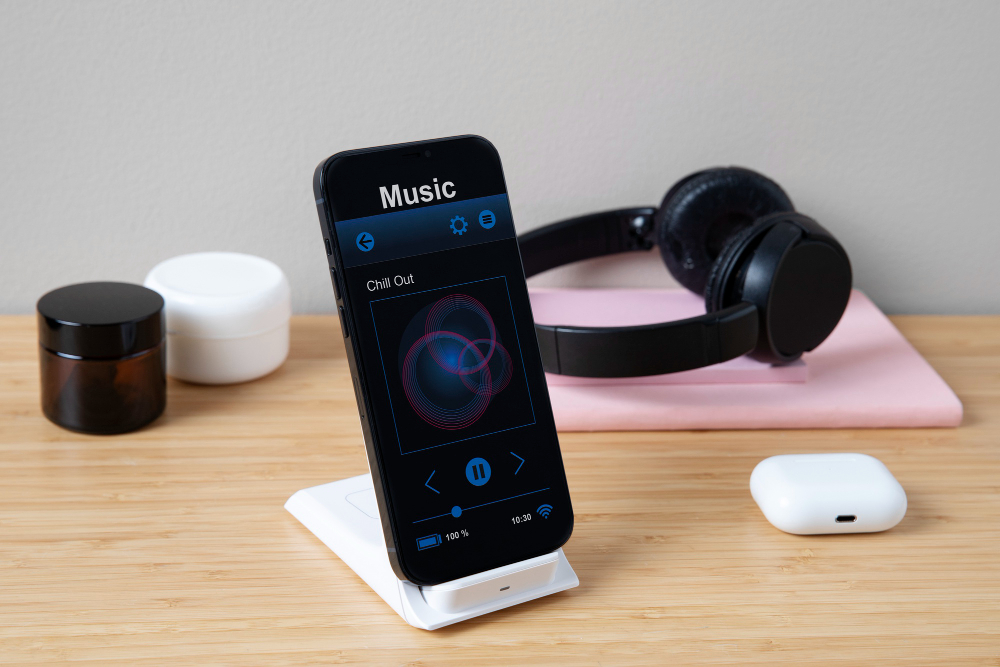
In today’s digital world, music is not just something we listen to—it’s something we track, measure, and personalize. With the rise of streaming platforms like Apple Music, listeners often want deeper insights into their listening habits, playlists, and favorite artists. This is where the concept of an Apple Music tracker comes in. Whether you want to monitor your most-played songs, track new releases, or analyze your yearly listening activity, Apple Music trackers provide a powerful way to interact with your music.
In this blog, we’ll explore what an Apple Music tracker is, how it works, the benefits it offers, the tools you can use, and how it compares to trackers from competitors like Spotify.
What is an Apple Music Tracker?
An Apple Music tracker is a tool or feature that helps you monitor and analyze your listening activity on Apple Music. It provides valuable insights such as:
- Your most-played songs, albums, and artists.
- How many minutes or hours you’ve spent listening to music.
- Customized listening reports over weeks, months, or years.
- Real-time tracking of your listening sessions.
- Notifications when your favorite artists release new music.
Apple Music itself provides some built-in tracking features through its Apple Music Replay and account data reports, but third-party trackers take things a step further. They create detailed stats, offer custom playlists based on your activity, and allow you to share your listening habits with friends.
Why Do People Use Apple Music Trackers?
Music tracking has become increasingly popular among fans, artists, and even researchers. Here are some key reasons why people use Apple Music trackers:
1. Personal Insights
Trackers let you discover which songs you keep replaying or which albums define your mood during specific periods. It’s like keeping a musical diary.
2. Yearly Recaps
Just like Spotify Wrapped, Apple Music Replay and third-party trackers show your top songs and artists over the year. Many users love to share these recaps on social media.
3. Music Discovery
By analyzing your listening patterns, trackers suggest new artists or genres that match your tastes.
4. Fan Engagement
For super-fans, trackers make it easy to monitor when favorite artists release new albums, singles, or collaborations.
5. Health and Lifestyle Tracking
Some people use trackers to measure how music fits into their lifestyle—for workouts, studying, or relaxation sessions.
Apple Music’s Built-in Tracking: Apple Music Replay
Apple Music has an official feature called Apple Music Replay, which gives listeners an overview of their top tracks and artists. Replay updates weekly and includes:
- A playlist of your top 100 songs of the year.
- A personalized “Replay Mix” that grows as you listen to more music.
- Stats like total listening time and favorite artists.
However, many Apple Music users feel Replay is limited compared to Spotify Wrapped. For instance, Replay updates quietly throughout the year but doesn’t have the same flashy presentation. This is why many turn to third-party Apple Music trackers for more detailed insights.
Popular Apple Music Tracker Tools
If you want to go beyond Apple’s built-in features, there are several trackers available. Here are some of the most popular options:
1. Last.fm
One of the oldest and most trusted music trackers, Last.fm connects to Apple Music to “scrobble” your listening activity. Features include:
- Detailed charts of top artists, albums, and songs.
- Weekly, monthly, and yearly reports.
- Community features to compare listening with friends.
- Integration with multiple platforms beyond Apple Music.
2. Stats.fm (Formerly Spotistats)
Originally made for Spotify, Stats.fm now supports Apple Music. It offers:
- Daily, weekly, monthly, and all-time stats.
- Top artists and songs breakdowns.
- Social sharing features.
- Mobile app for quick insights.
3. MusicHarbor
Focused on tracking artist releases, MusicHarbor helps you stay updated with your favorite musicians. Features include:
- Notifications for new albums, singles, and videos.
- Calendar view for upcoming releases.
- Integration with Apple Music and iTunes.
4. Obscurify for Apple Music
This tracker shows how “obscure” your music tastes are compared to other Apple Music users. It provides:
- Popularity scores for your favorite artists.
- Mood and genre breakdowns.
- Recommendations for under-the-radar artists.
5. FreeYourMusic
Primarily known for transferring playlists between platforms, FreeYourMusic also includes tracking features. You can see your top tracks and share listening statistics.
How to Use an Apple Music Tracker
The process usually involves three steps:
- Connect Your Account – Most trackers require you to sign in with your Apple ID or grant permission to access your Apple Music data.
- Sync Your Listening History – The app collects your playback data, often through Apple’s MusicKit API.
- Explore Reports – You can then browse detailed charts, graphs, and playlists based on your listening behavior.
Benefits of Using an Apple Music Tracker
Using an Apple Music tracker can completely change how you experience music. Here’s why:
1. Self-Discovery Through Music
Just like a fitness tracker shows how active you are, a music tracker shows how your listening reflects your personality and mood.
2. Better Playlists
Many trackers generate playlists from your top songs, so you can relive favorite listening periods anytime.
3. Cross-Platform Flexibility
Trackers like Last.fm work across platforms, meaning your Apple Music habits can sync with other streaming services.
4. Community & Sharing
Fans love comparing their music stats with friends. Apple Music trackers make it easy to share charts on social media.
5. Discover Emerging Artists
By analyzing your patterns, trackers suggest new music, sometimes leading you to artists you wouldn’t have found otherwise.
Apple Music Tracker vs. Spotify Tracker
Spotify has dominated the tracking scene with its Spotify Wrapped, but Apple Music trackers are catching up. Here’s a comparison:
| Feature | Apple Music (Replay + Trackers) | Spotify (Wrapped + Trackers) |
|---|---|---|
| Yearly Recap | Replay playlist + web stats | Wrapped with animations + stats |
| Third-party Support | Yes (Last.fm, Stats.fm, etc.) | Yes (Stats.fm, Obscurify, etc.) |
| Social Sharing | Limited (depends on app) | Strong, viral-friendly |
| Release Tracking | MusicHarbor provides strong features | Moderate via third-party apps |
| Integration | Works well with Apple ecosystem | Works across multiple devices easily |
While Spotify is still ahead in terms of presentation and virality, Apple Music trackers offer more flexibility for data lovers and fans who want in-depth insights.
The Future of Apple Music Trackers
As data-driven listening grows, Apple will likely expand its tracking features. We may see:
- More detailed Replay recaps with animations.
- Deeper genre and mood analytics.
- Social features that rival Spotify Wrapped.
- Built-in notifications for artist releases.
- More collaboration with third-party tracker apps.
Apple already emphasizes personalization through curated playlists like For You Mixes. Adding advanced tracking features would make the platform more competitive.
Final Thoughts
An Apple Music tracker is more than just a statistics tool—it’s a way to deepen your relationship with music. Whether you’re curious about your most-played songs, want to share your yearly recap with friends, or track every new album release, trackers offer insights that transform passive listening into an interactive experience.
